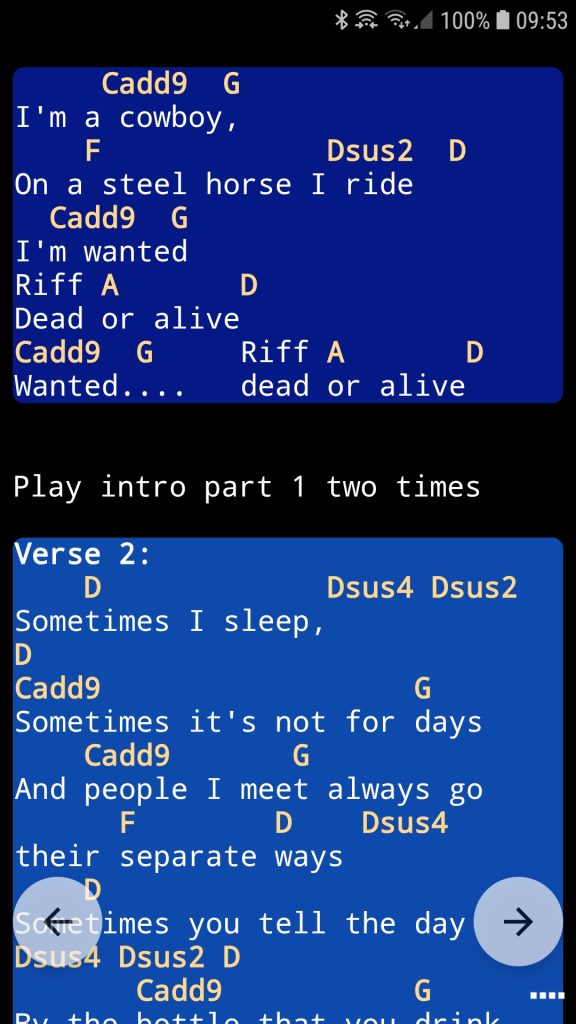
Use a song on different devices
With the smartChord Songbook, every song can be displayed with maximum clarity and readability. To achieve this, several features are available:
- The Intelligent Line Break (ILB) automatically rearranges the song text so it can be enlarged while remaining fully visible—no horizontal scrolling is required.
- You can zoom the song text to adjust its size.
- You can display the song text in multiple columns.
Using these options, you can optimize the layout of your songs for a specific screen size.
smartChord also allows you to use your songs across multiple devices:
- You can synchronize your songs between your own devices.
- You can connect devices within your band using the Set List Link and share songs from a set list during rehearsals or live performances.
In both cases, songs are displayed on devices with different screen sizes. To ensure optimal readability across all devices, smartChord provides scale factors in the settings.
These scale factors ensure that songs are displayed with an appropriate font size on different devices. This allows you to share songs between devices with varying display sizes (e.g., smartphone and tablet) without needing to manually adjust the text size each time using pinch zoom.
There are separate scale factors depending on whether Intelligent Line Break (ILB) is enabled or disabled. You can configure these scale factors individually for the following scenarios:
1. Synchronizing songs between your own devices
Typically, songs are maintained on a primary device and synchronized with a secondary device. In this case, we recommend configuring the scale factors on the secondary device.
- A scale factor greater than 1 increases the text size.
- A scale factor less than 1 decreases the text size.
2. Sharing songs via the Set List Link
When you join a session as a follower using the Set List Link, songs from the master device are displayed on your device.
- If you already have a song saved locally (based on an exact name match), your local version will be used and displayed with your own settings.
- If the song is not stored on your device, it will be provided by the master. In this case, the display size is adjusted using the scale factors you have defined for this scenario.
Note: The scale factors from Scenario 1 (device synchronization) are not applied in this case.