Instruments and tunings
When you change the instrument or the tuning in the settings, it affects all the features like chords, scales, arpeggio, tuner or circle of fifths. But it does not affect all features. Some features like the songbook, chord progression or fretboard trainer do store the tuning when the item (e.g. the song) is created. This means that you have the same tuning with the same chords and fingerings in a song, every time you open it. Independent from the instrument or the tuning in the settings. But you can change the tuning/instrument for a song via the menu ‘⁝ -> Edit -> Change tuning‘. Then the fingerings are changed too and the new tuning is stored in the song.
When you change the instrument via the menu ‘⁝ -> Edit -> Change instrument‘, the tuning selected for that instrument is automatically applied to the song.
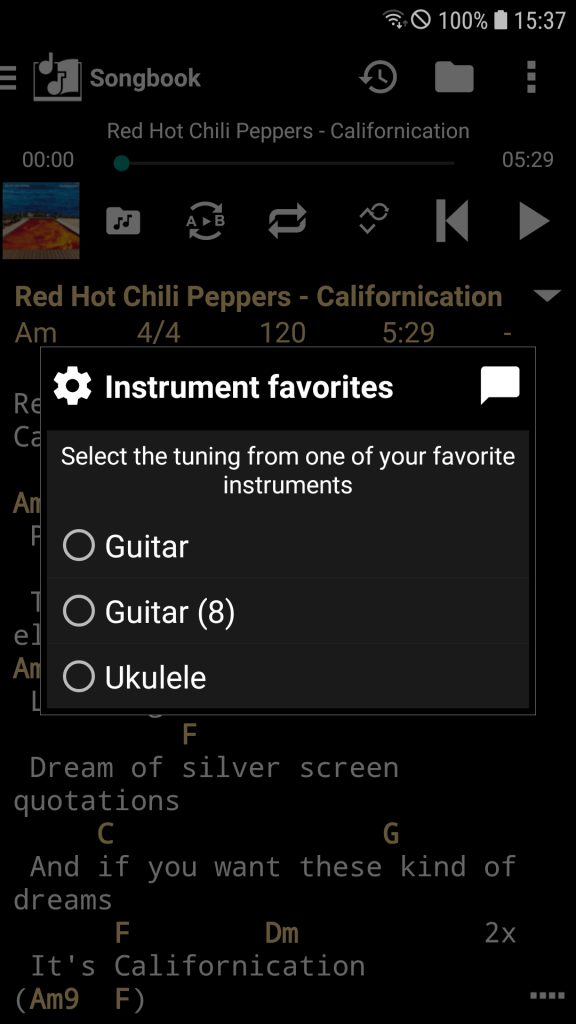
If you change the tuning, for example by selecting Change tuning, the Tuning Favorites dialog opens and allows you to apply one of your favorite tunings to the song.
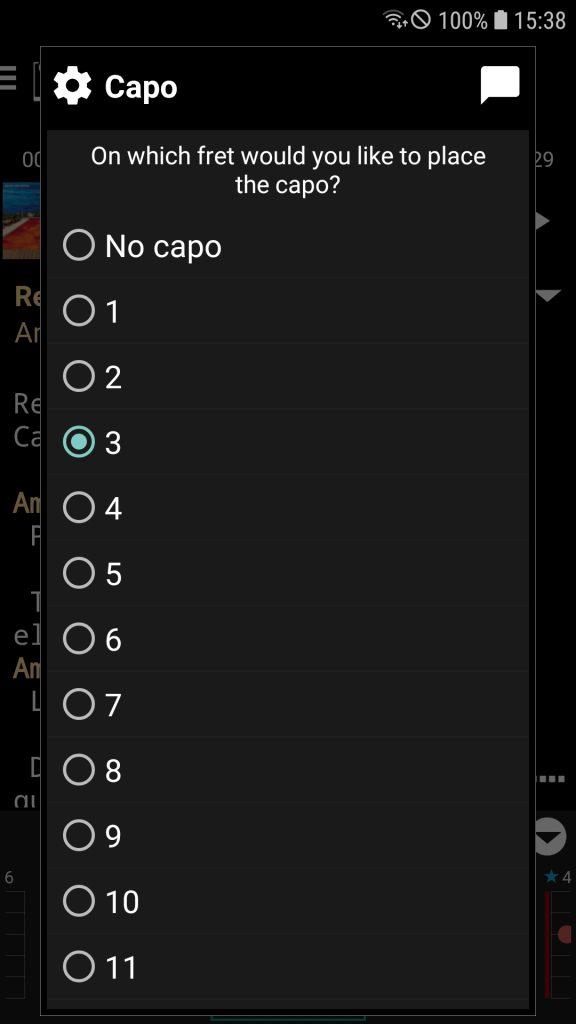
If you change the capo via menu ‘⁝ → Edit → Change tuning → Capo‘, the capo is applied to the tuning of the song.
The tuning is stored in the song as a directive of form {x_sccrd_t: Tuning optional with capo}
You can view the song’s tuning in the information section.